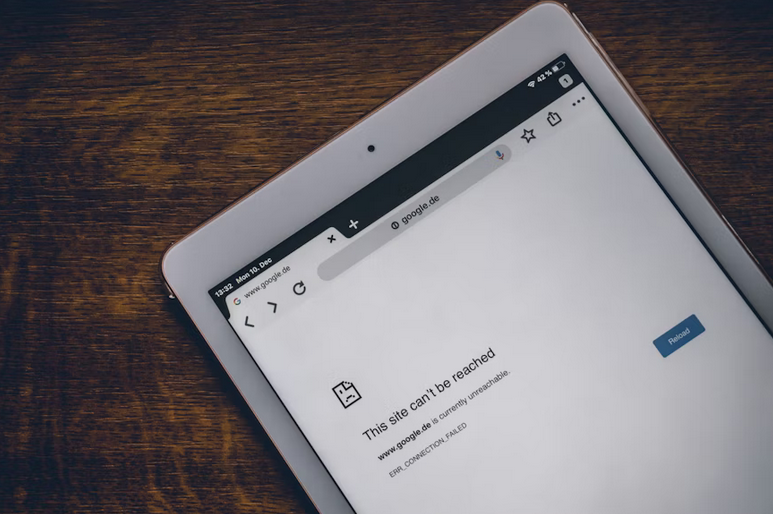
Simple Fixes for Annoying Internet Problems at Home
Restarting Devices the Right Way
Yes, turning things off and on again sounds like a joke. It still works. Routers, modems, and connected devices slowly collect digital clutter over time. Restarting clears that buildup and gives everything a clean slate. The trick is order and patience. Power down the modem first, then the router. Wait a full minute before bringing them back online, modem first again. That pause matters more than people think, like letting toast pop instead of forcing it up early.
Router Placement Actually Matters

Routers are not decorative objects, even if they sit quietly. Where you place them affects signal strength more than most settings menus. Tucking a router behind a TV or inside a cabinet is like whispering into a pillow. Signals hate obstacles. Aim for height and openness. A shelf or table in a central area works well. Thick walls, metal shelves, and aquariums can block signals. Move the router a few feet, and speeds can feel brand new. WiFi travels outward like ripples in water. Give it space. Your devices will thank you with fewer dropouts.
Too Many Devices Fighting for Attention
Smart homes are cool until everything wants bandwidth at once. Phones, tablets, TVs, doorbells, and even fridges all compete. During busy hours, that competition can slow everything down. It feels like rush-hour traffic on a two-lane road. So, start by checking what is actually connected. Old phones or unused gadgets might still be logged in. Disconnect what you do not use daily. Fewer devices mean more breathing room for the ones that matter. Some routers allow basic priority settings. Giving video calls or work devices preference can smooth things out. It is a small tweak with noticeable results.
WiFi Bands and Channels Make a Difference
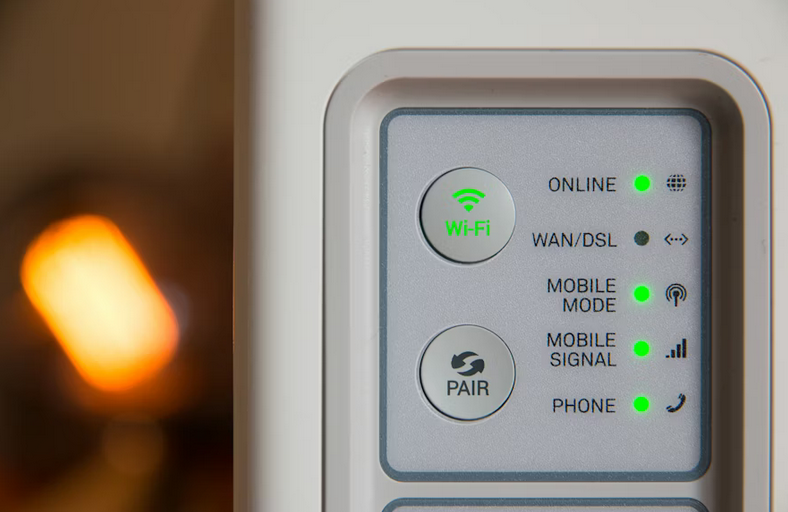
Modern routers usually broadcast two WiFi bands. One travels farther, the other runs faster. Many devices pick automatically, but they do not always choose wisely. That can lead to slow speeds even when everything looks fine. Try manually connecting newer devices to the faster band when close to the router. Older gadgets may prefer the longer-range option. This separation reduces congestion and confusion. Think of it as assigning lanes on a highway. Crowded neighborhoods can also interfere. Changing the channel in router settings can reduce interference and calm things down.
Annoying internet problems feel personal, but they usually are not. They come from small oversights and crowded digital spaces. With a few calm adjustments, home internet can behave again. No drama. No stress. Just smoother scrolling and fewer sighs.
…